Baby Monitors for Twins: One Camera or Two?
Twins in one room need one baby monitor with one camera, placed so both cribs are in frame. Buy a second camera only when a second room happens: the twins split up for sleep, naps happen in different places, or the room’s layout means one lens cannot see both cribs. If you do run two cameras, the feature that matters is a parent unit that shows both feeds at once (split screen), not one that switches between them. Breathing and oxygen wearables are a separate choice, and the AAP says not to use them to reduce SIDS risk.
One room, one camera
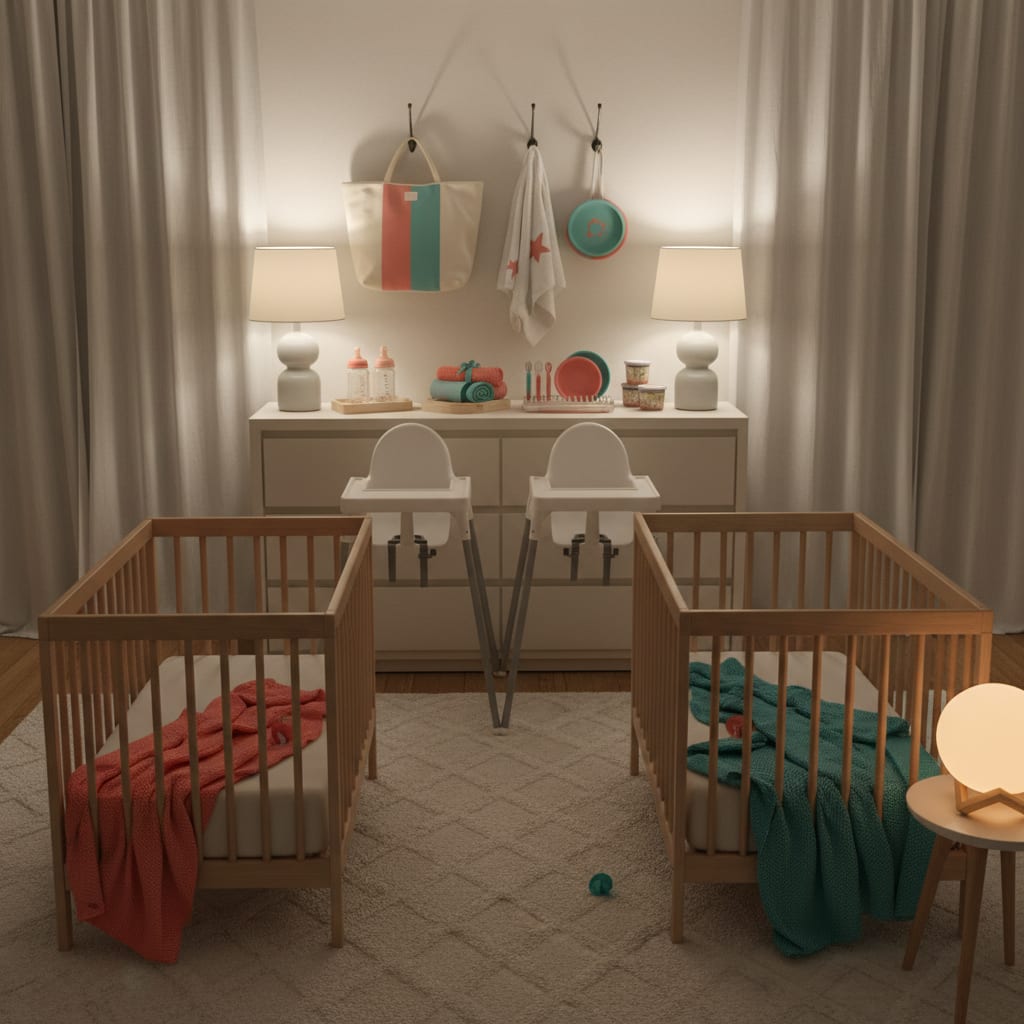
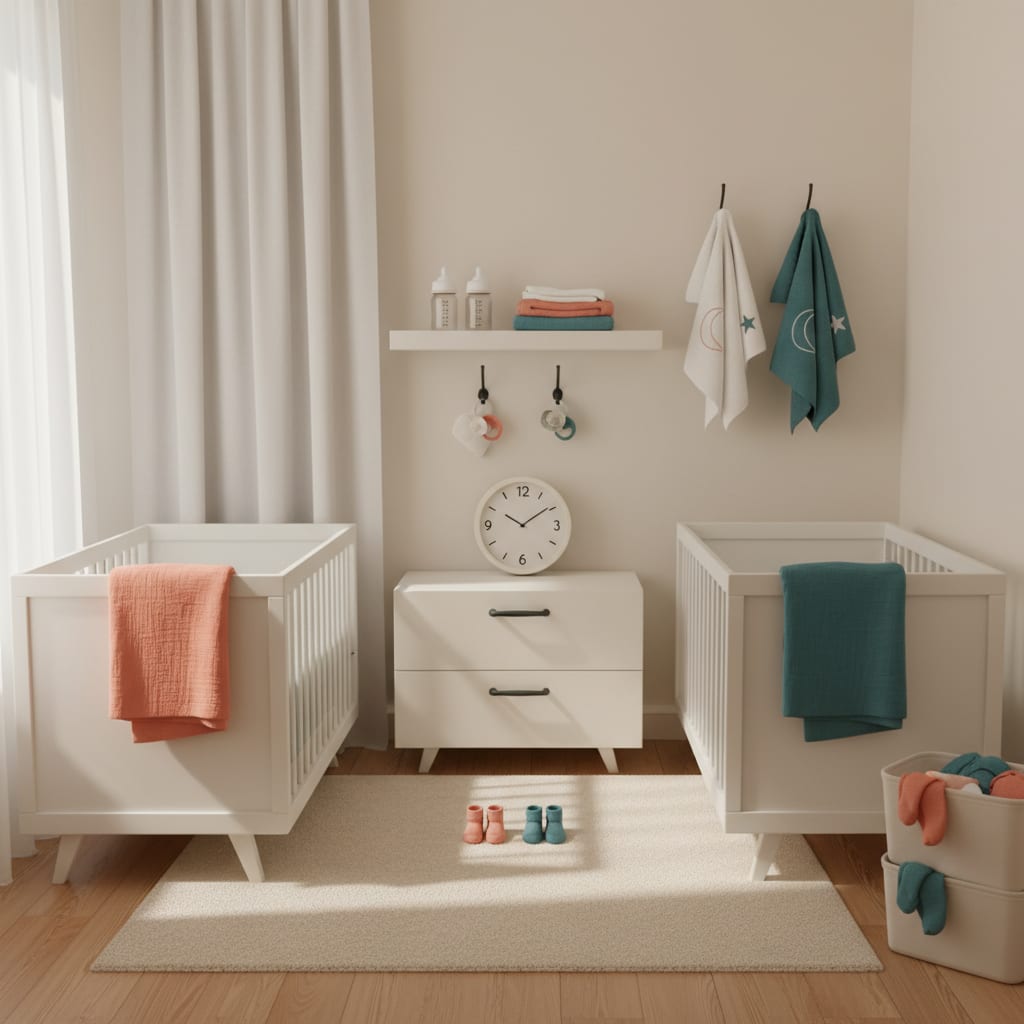
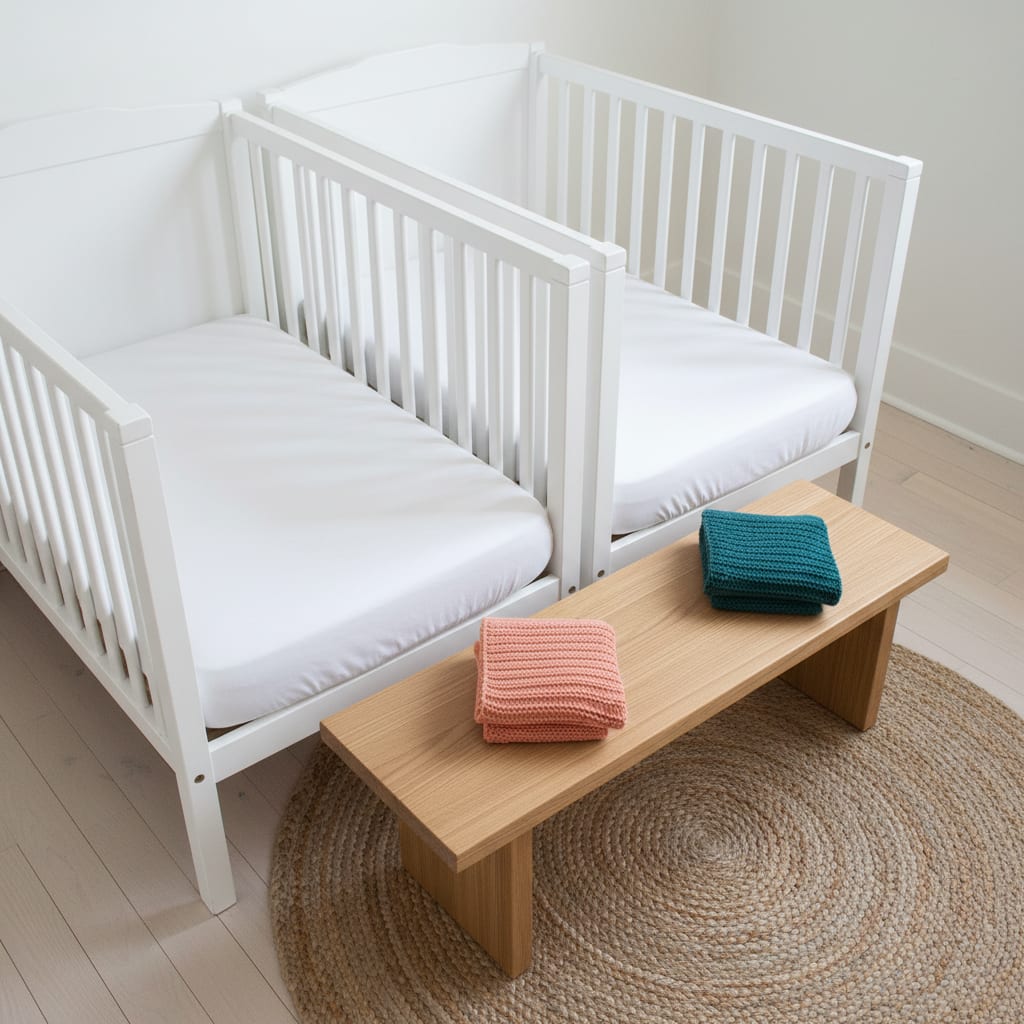
This is the twin registry checklist rule, and it holds: one room means one camera with two babies in frame. A monitor watches a room, not a baby. Two cribs in one room do not need two lenses. They need one lens placed well.
Placement is where twin rooms differ from singleton rooms:
- Height and angle. Mount the camera high on the wall or on a floor stand, angled down, so it looks across both cribs instead of along one rail. Two cribs make a wider scene than one, so expect to set the camera further back than you would for a single crib.
- Pan and tilt. A camera you can turn from the parent unit lets you frame both cribs at night and swing to one baby when you need a closer look.
- Cords. The CPSC’s baby monitor cord warning is blunt: “Place cords at least three feet away from any part of the crib, bassinet, play yard or other safe sleep environment,” and “Never position a monitor inside or on the edge of a crib.” With two cribs, that three-foot rule applies to both of them, which rules out the wall between the cribs for most rooms.
Check one more thing before you buy anything. The AAP’s parent’s guide to safe sleep recommends sharing a room with your baby “for at least the first 6 months of life”. For many twin families that means the monitor covers naps and the evening stretch before you go to bed, not the whole night. That is still worth a monitor. It is not, by itself, a reason for two cameras.
When a second camera earns its place
A second camera is a fix for a second room, or a blind spot. It is not a fix for a second baby. The exceptions are real:
- The twins are sleeping in separate rooms. This is the main one, and it is the cost families forget when they decide to split twins. When to separate twins for sleep covers when a split is worth it and how to run it as a trial. If you split, you need eyes in both rooms on one screen.
- Naps happen in different places. One twin naps in the nursery while the other naps in a crib or bassinet in your room, often because their nap times have drifted apart. Each sleep space needs its own camera, or someone in the room.
- One lens cannot see both cribs. An L-shaped room, a crib in an alcove, or cribs on opposite walls can defeat a single camera even in one room. Try framing them before you buy a second camera. If one crib is always half out of view, a second camera is cheaper than a guessing game.
What a split bedtime does NOT change. Split twin bedtimes means two lights-out times, usually in the same room. That calls for a monitor you can check while you are settling the second twin. It does not call for a second camera, unless the first twin goes down in a different room and moves later.
Split screen vs scan: the twin buying question
Once you have two cameras, how the parent unit shows them matters more than resolution.
- Single view, or “scan”. The screen shows one camera at a time. You switch manually, or the unit cycles between cameras on a timer. At 2 a.m. that means looking at one twin while the other is off screen.
- Split screen. Both feeds show side by side, and you can expand either one to full screen.
- Audio is a separate question. Infant Optics, which sells both kinds, says on its DXR-8 PRO SS page that most split-screen monitors “can only broadcast one camera’s audio at a time”. Its SS model combines audio from both cameras. Wherever you buy, check whether a two-camera unit plays both rooms’ sound at once, because with twins in two rooms, the cry you hear first may not come from the camera on screen.
Three monitors that handle twins
Specs below are from each maker’s own page, checked October 2026. No prices are printed: they change too often to be worth a number.
| Monitor | Connection | With two cameras | Maximum cameras | Best fit |
|---|---|---|---|---|
| Infant Optics DXR-8 PRO | No Wi-Fi (FHSS) | Single view: one camera at a time | 4 | Twins in one room; second camera later if needed |
| Infant Optics DXR-8 PRO SS | No Wi-Fi (FHSS) | Split screen or single view, switchable; both rooms’ audio at once | 4 | Twins in two rooms, no app wanted |
| eufy Baby Monitor C10 + add-on camera | Local link without Wi-Fi, plus app access over Wi-Fi | Split screen | Not stated on the page | Two rooms, and two caregivers who want phone access |
Twins in one room: Infant Optics DXR-8 PRO
The DXR-8 PRO is the one-camera answer for the one-room rule. On Infant Optics’ spec table it has a 5-inch screen, a non-Wi-Fi FHSS link with a range of “up to 1,000 feet (line of sight)”, remote pan and tilt with digital zoom, active noise reduction, and a user-replaceable battery in the parent unit. Its camera takes interchangeable lenses, and the maker sells a wide-angle lens as an accessory, which is useful when two cribs need to fit in one frame.
Its viewing mode is listed as “Single view”, and it “supports up to 4 cameras”. So if you later add a DXR-8 PRO add-on camera for a second room, you get both rooms on one parent unit, but one at a time. That is fine for a nap room you check occasionally. It is weaker for two rooms at night. Note that the add-on is listed as “Not Compatible with DXR-8”, the older model, so match the add-on to the parent unit you own.
Twins in two rooms, no Wi-Fi: Infant Optics DXR-8 PRO SS
The DXR-8 PRO SS is sold as a two-camera kit. Its spec table lists the same 5-inch screen, FHSS link and 1,000-foot line-of-sight range as the PRO, and adds a viewing mode of “Split-screen or single view (switchable)” plus “Simultaneous dual audio”. It also supports up to 4 cameras. This is the version to buy if your twins are already in separate rooms, or will be soon, and you want both rooms on screen and in earshot without an app.
Two rooms, two caregivers: eufy Baby Monitor C10
The eufy C10 bundle with an add-on camera covers two rooms with a parent unit and an app. eufy’s C10 page lists a 2K camera with a “351° panoramic view, 60° tilt, 4× zoom—plus split screen to watch two babies at once”. It describes a hybrid connection: a local feed without Wi-Fi, plus remote access in the app. It also lists up to 12 hours of screen time on the parent unit’s battery, which eufy notes is based on its own lab testing, and viewing access shared “with up to 5 family members”. Two practical notes from the same page: the camera “has no built-in battery”, so it must stay plugged in, and an SD card for local recording is not included.
The sharing is the twin argument for this one. When two adults split the night, each can check both rooms from their own phone without handing over the parent unit.
Wi-Fi or not? A non-Wi-Fi monitor never touches your router. A Wi-Fi or hybrid camera needs securing, with a strong password, two-factor sign-in and updates. Betteroo’s wider buying guide has a security checklist and compares ten monitors by type.
Breathing and oxygen monitors
Some monitors go beyond a camera. Wearable socks and bands, such as the Owlet Dream Sock, and under-mattress sensor pads read a baby’s pulse, oxygen level, breathing or movement. With twins, that means two devices and two sets of alerts.
The AAP is clear on what these are not. Its safe sleep guide says: “Don’t use home cardiorespiratory monitors as a way to reduce the risk of SIDS.” It adds: “Don’t let these devices give you a false sense of security. It’s fine to use one if you want to, just don’t use it as a substitute” for safe sleep practices. So the twin rules in safe sleep for twins do not change with a monitor on: a separate sleep space for each baby, on their back, on a firm flat surface.
If either twin came home from the NICU with a monitor or a medical condition, that is a different situation. Ask your pediatrician or neonatal team what monitoring they want at home, and follow their plan rather than a consumer device.

FAQ: baby monitors for twins
Do twins need two baby monitors?
No, not while they share a room. One camera, placed high and angled across both cribs, covers both babies. Add a second camera when they sleep in separate rooms, nap in different places, or the room’s layout hides one crib.
Can one baby monitor camera see two cribs?
Usually, if it is mounted high and far enough back. A camera with remote pan and tilt, or a wide-angle lens, makes it easier. Keep its cord at least three feet from both cribs, as the CPSC advises.
What is a split-screen baby monitor?
A parent unit that shows two camera feeds side by side, so you can see both rooms at once. Monitors without it show one camera at a time and switch or cycle between them. If your twins sleep in two rooms, split screen is the feature to look for.
Are breathing monitors worth it for twins?
They are a personal choice, not a safety measure. The AAP says not to use home cardiorespiratory monitors to reduce the risk of SIDS. If you use them, you need one per baby, and safe sleep practices still apply in full.